
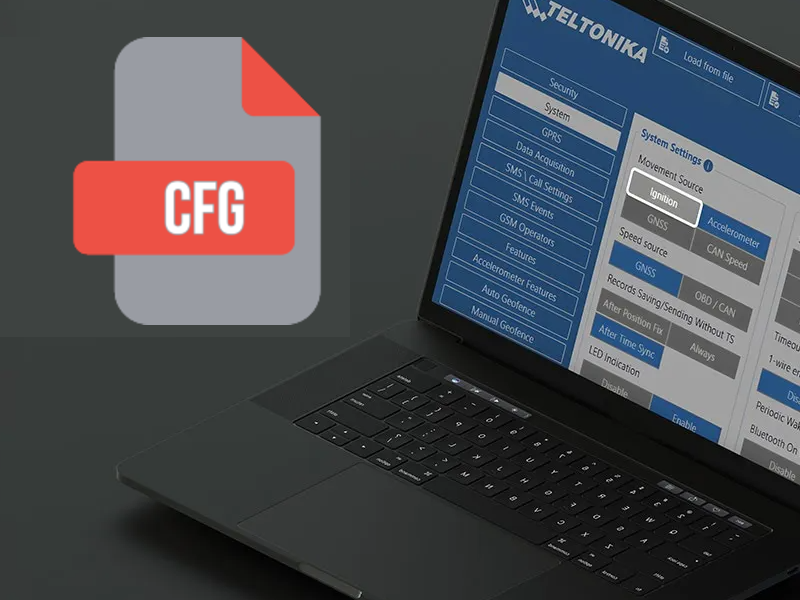
Our default Teltonika configuration files are available for direct download to help you get started quickly.
📥 Download Your Configuration Files
We are pleased to offer our default Teltonika configuration files for download. These files are designed to provide a solid baseline setup for your device, saving you time and ensuring that standard security and operational parameters are correctly applied from the very first boot.
🌐 Update Your APN Settings
Please note that these files use a placeholder network configuration. To establish a successful mobile data connection, you will need to manually configure the Access Point Name (APN). This value must match the specific APN provided by your SIM card carrier.
Our default configuration files also include an active blacklist for mobile networks related to EE to keep data transfer and connection costs lower. You can easily remove the blacklist feature in the Teltonika configurator.